

Assistance
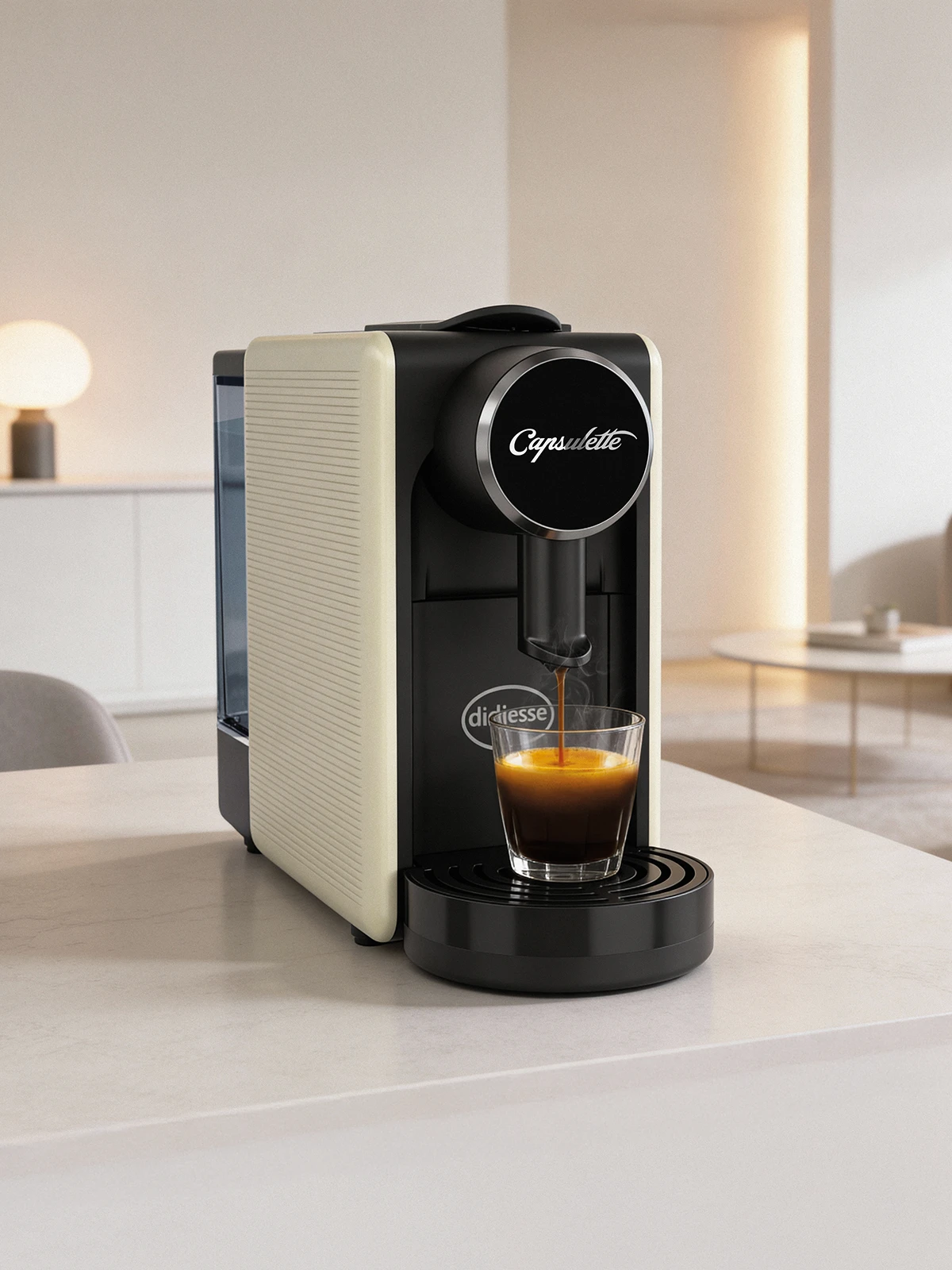
Capsulette
Need assistance with your Capsulette?
Find out here the instructions, guides and tutorials to make the best use of your capsule coffee machine.
Check the FAQ
Need help?
I can’t find the switch on the back of the machine. How do I turn it on?
To switch on the machine, press both dispensing buttons (short coffee and long coffee) simultaneously for approximately 3 seconds. When the buttons are pressed, the machine will emit an acoustic confirmation signal.
After switching on, the LEDs on the dispensing buttons will start flashing, indicating that the machine is heating up to reach the operating temperature.
Once the correct temperature has been reached, the LEDs will stop flashing and the machine will emit a double acoustic signal. Until then, coffee dispensing will not be possible.
The loading lever does not reach the dispensing position. What should I do?
The used capsule collection drawer may be full. Open the used capsule drawer and empty it.
The LEDs on the dispensing buttons are flashing. What does this mean?
If this happens after a period of inactivity, it means that the machine has entered standby mode. To exit standby mode, press one of the dispensing buttons or lift the lever. Alternatively, standby mode can be disabled by following the procedure described in the manual.
The LEDs on the dispensing buttons keep flashing. What could be the cause?
The loading lever may be lifted or not fully lowered. Lower the lever and properly close the extraction chamber. Alternatively, the issue may be caused by a faulty temperature probe or electronic control board. In this case, contact Didiesse technical support.
Video Tutorials
Useful tips for the maintenance and use of your coffee machine


Service Centres
Find your nearest service centre.
Selling Points
Discover the nearest shop to buy our coffee machines
Contact us
If you need assistance, call us or send an email
(Monday to Friday 9.00am to 5.30pm)
- Toll-free Number
- Telephone
- WhatsApp Assistance