


Assistance
Simplymoon
Need assistance with your DarkSide?
Find out here the instructions, guides and tutorials to make the best use of your pod coffee machine.
Check the FAQ
Need help?
If I notice water leaking from the pod holder when brewing coffee, what should I do?
Check that the extraction chamber is correctly closed and that the lever is locked in the closed position. Also check that the gasket at the top of the extraction chamber is intact and in good condition.
Why is the lever too hard to close?
You may have inserted the pod incorrectly. Make sure it is correctly positioned on the steel saucer before closing the lever.
I can't find the switch on the back of the machine, how do I turn it on?
The Simplymoon switches on automatically as soon as you plug it in. The flashing LED on the dispensing button indicates that the machine is powered up and heating up.
If the LED on the button does not light up, how can I solve it?
I forgot to remove the pod after dispensing and it stuck: what do I do?
Do not try to remove it by force! Draw water for about 3 seconds: the pod will detach itself without any problems.
The brewing button LED flashes and does not respond when I try to brew coffee: what does this mean?
The Simplymoon machine is equipped with an electronic system that allows it to switch itself off when not in use, eliminating electricity consumption. Press and hold the coffee dispensing button for a few seconds: the LED will start flashing at 1-second intervals, indicating that the machine is heating up. When the light becomes steady, the machine is ready for use again.
Can I wash the tank with an abrasive sponge?
We strongly advise against doing this, because the tank is transparent and you could scratch it, spoiling its appearance. Instead, use an anti-scale product and a soft sponge for cleaning.
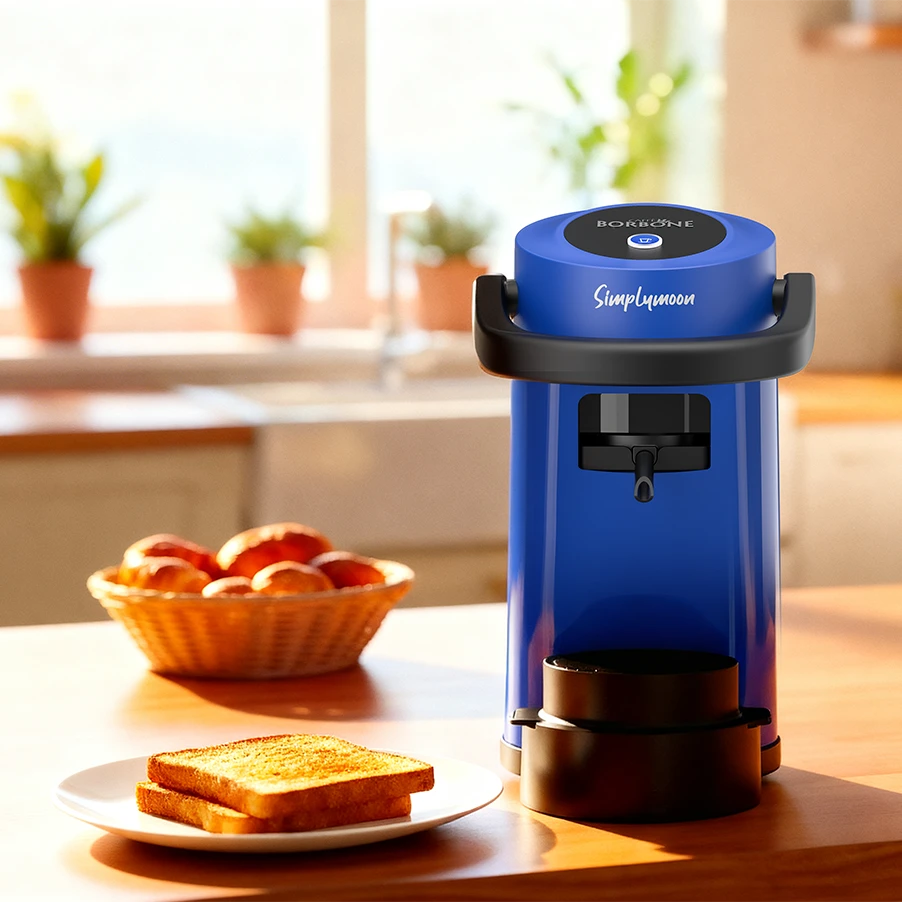
Simplymoon
Useful tips for using your coffee machine
Service Centres
Find your nearest service centre.
Selling Points
Discover the nearest shop to buy our coffee machines
Contact us
If you need assistance, call us or send an email
(Monday to Friday 9.00am to 5.30pm)
- Toll-free Number
- Telephone
- WhatsApp Assistance