


Assistance
MilkSide
Need assistance with your MilkSide?
Find out here the instructions, guides and tutorials to make the best use of your pod coffee machine.
Check the FAQ
Need help?
If I notice water leaking from the pod holder during coffee dispensing, what should I do?
Check that the brewing chamber is properly closed and that the lever is locked in the closed position. Also make sure that the gasket located at the top of the brewing chamber is intact and in good condition.
Why is the lever too hard to close?
The pod may not have been inserted correctly. Make sure it is properly positioned on the stainless steel plate before closing the lever.
I can’t find the switch on the back of the machine — how do I turn it on?
To switch on the MilkSide, press both dispensing buttons (coffee and milk) simultaneously for about 2 seconds. The LEDs on the coffee and milk dispensing buttons will start flashing, indicating that the machine is heating up to reach the operating temperature.
If the LEDs on the buttons do not light up, how can I fix it?
Check that the plug is properly inserted into the socket and that you have pressed both dispensing buttons (coffee and milk) simultaneously to turn on the machine.
I forgot to remove the pod after brewing and it’s stuck — what should I do?
Do not try to force it out! Dispense hot water for about 3 seconds: the pod will release itself easily.
The LEDs on the dispensing buttons suddenly switched off by themselves — what does this mean?
The MilkSide machine is designed to reduce energy consumption through an automatic power-off system that activates after 9 minutes of inactivity. In this case, the machine enters stand-by mode, indicated by the LEDs on the coffee and milk dispensing buttons switching off. To reactivate the machine and prepare coffee only, simply press the coffee button: the LED will flash during heating and stay steadily lit when the machine is ready for use.
If you wish to dispense milk or prepare milk-based drinks, press the milk button first. This will bring the machine fully out of stand-by mode, causing both LEDs to flash while heating. Once the lights remain steadily on, you can dispense both milk and coffee.
The milk frother does not froth the milk — what can I do?
It is likely that the top cap (upper valve) of the milk dispensing unit is dirty. Remove it, clean it thoroughly, then reassemble it before trying again.
The LED on the milk button is flashing and, when I press it, no milk is dispensed. What should I do?
Check that the milk dispensing spout is in the correct dispensing position and that the milk unit is properly fitted and locked onto the machine.
The machine is not dispensing milk — what can I do?
Make sure there is enough water and milk in the respective tanks. If everything seems fine, the milk dispensing unit or suction tube may be dirty or blocked by milk or limescale residues. In this case, remove the milk unit, separate the various components, and clean them thoroughly.
Can I clean the tanks with an abrasive sponge?
We strongly advise against it, as the tanks are transparent and may get scratched, spoiling their appearance. Instead, use a descaling product and a soft sponge for cleaning.
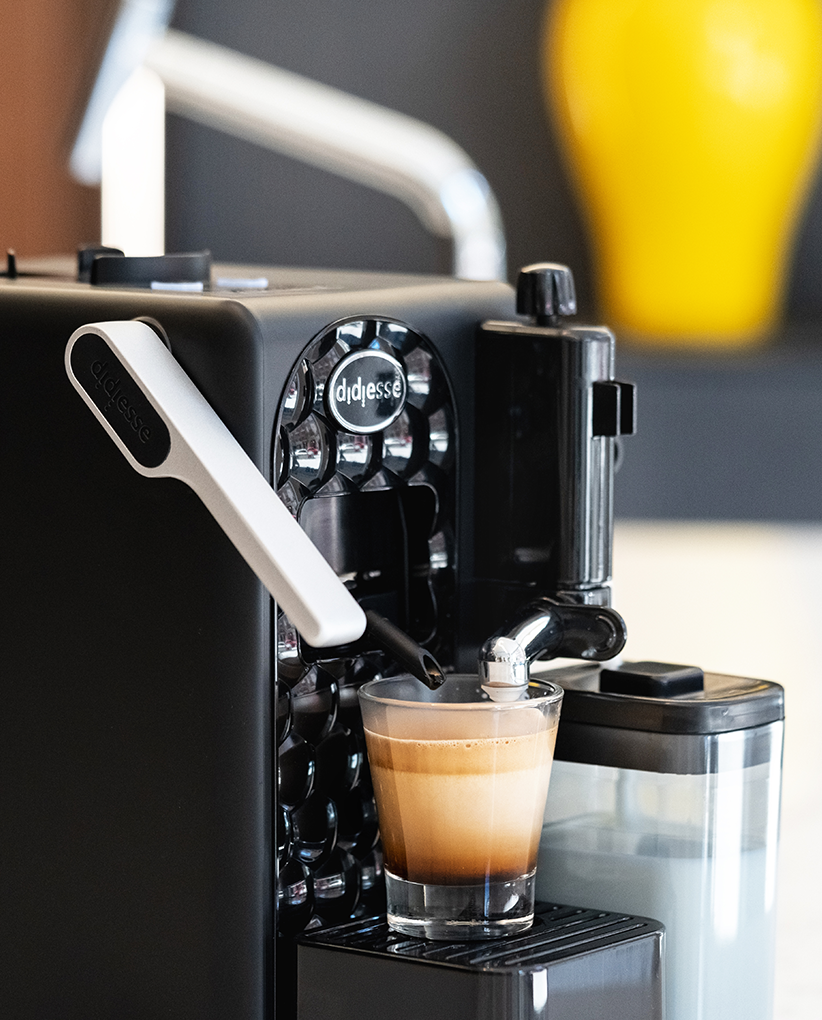
Video Tutorials
Useful tips for the maintenance and use of your coffee machine
«
Prev
1
/
1
Next
»


Tutorial MilkSide - eng
MilkSide - First use
MilkSide - Coffee Dispensing
MilkSide - Cappuccino
MilkSide - Stand-by Mode
MilkSide - Accessory Holder
MilkSide - Removable Drip Tray
MilkSide - Maintenance: deep cleaning
MilkSide - Maintenance: quick cleaning of the Milk dispensing group
MilkSide - Maintenance: descaling
MilkSide - Maintenance: replacing the gasket
«
Prev
1
/
1
Next
»
Service Centres
Find your nearest service centre.
Selling Points
Discover the nearest shop to buy our coffee machines
Contact us
If you need assistance, call us or send an email
(Monday to Friday 9.00am to 5.30pm)
- Toll-free Number
800 217 661
- Telephone
- WhatsApp Assistance